Live ECG
See your ECG live
Single-lead ECG at 130 Hz, heart rate, RR intervals and HRV.
See your ECG and heart rate live with Polar H10. Revisit a recording and share the segment you choose.
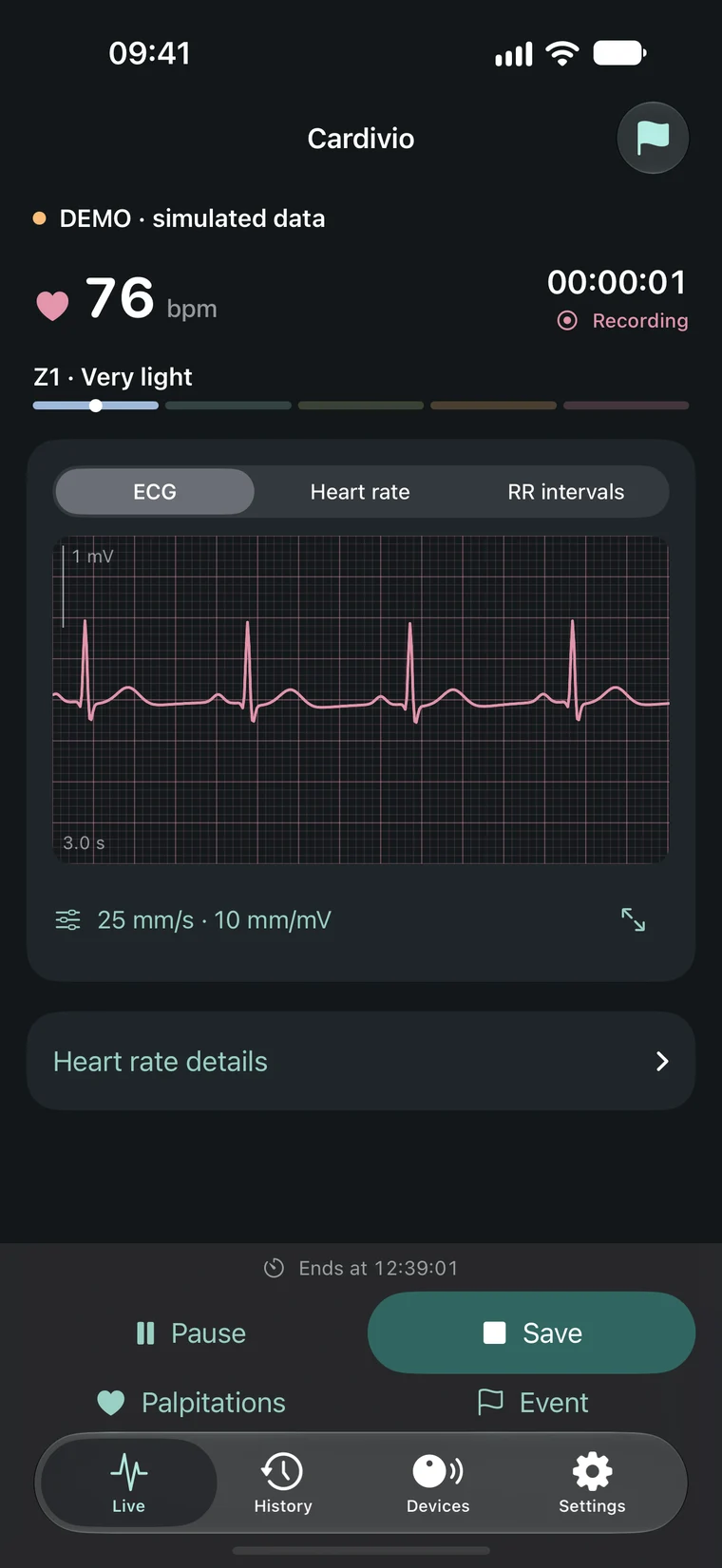
Single-lead ECG at 130 Hz, heart rate, RR intervals and HRV.
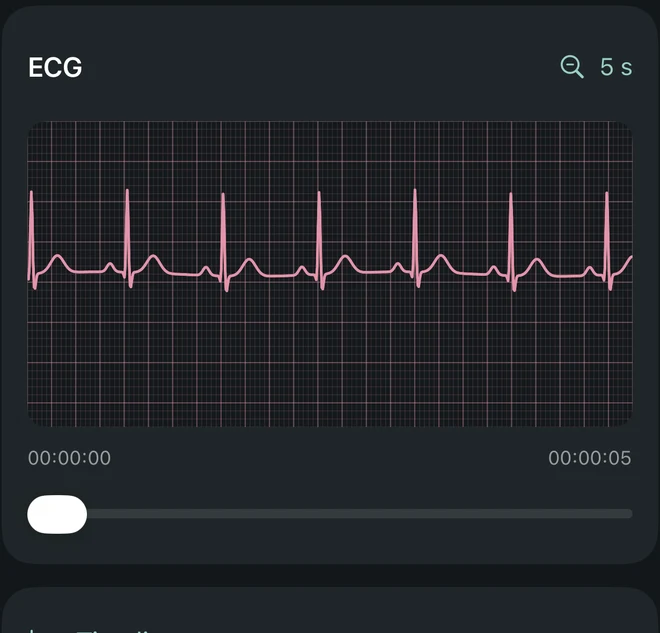
Symptoms, notes and the original trace on one timeline.
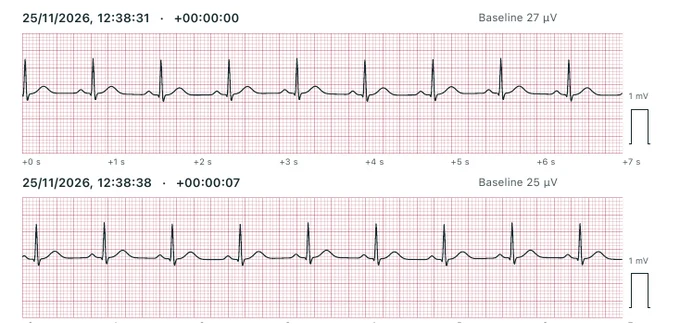
A calibrated ECG report in PDF, or original data in CSV, JSON or ZIP.
Preview with simulated data
Moisten the electrodes and put on the chest strap.
Select your strap in the Devices tab.
Choose a quick reading, a longer session or automatic recording.
Recording can continue with your screen locked while your iPhone is in range of the strap. Background recording
Recordings are stored in protected storage on your iPhone. No account needed.
How recordings are storedUse the iOS share sheet to send a full recording or a segment.
Export and sharingUse iOS permissions to choose which Apple Health data Cardivio can access.
Apple Health permissionsCreate an encrypted backup and choose where to save it.
How backups workDelete your Cardivio recordings directly from History.
Deleting recordingsAn iPhone with iOS 18 or later and a Polar H10 chest strap. You can explore the demo without a strap.
You can share the trace and timestamps in a PDF. Single-lead recordings are for information. A health professional can assess what they mean for you.
Download Cardivio for iPhone on the App Store.